¶ PHP Extensions Manager
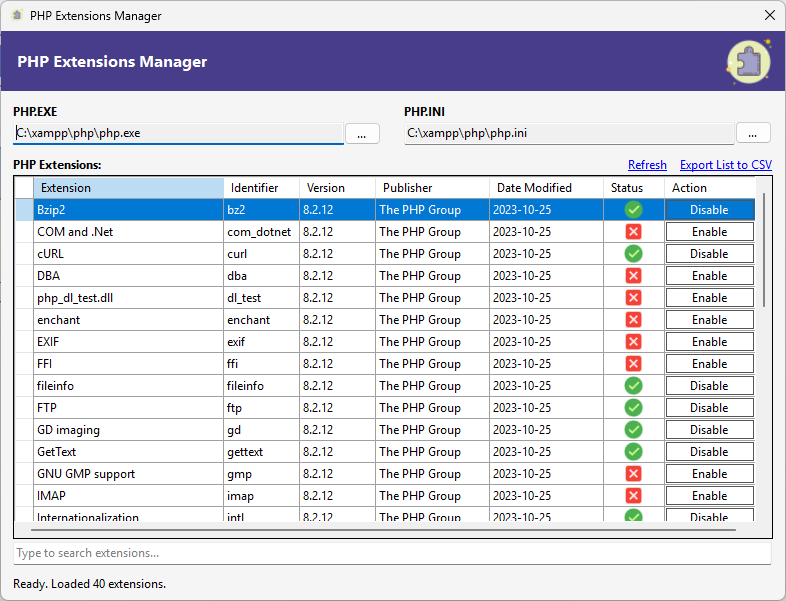
PHP extensions are modular libraries that extend the core functionality of PHP. They provide features such as database connectivity, file handling, image processing, encryption, internationalization, and integration with external services. Many PHP frameworks, including Laravel, require specific extensions to be enabled.
Traditionally, managing extensions involves manually editing the php.ini file. This file can be large and complex, and a small mistake may cause PHP to become unstable or stop working. The PHP Extensions Manager provides a safer, graphical way to manage extensions.
¶ When to Use This Tool
Use the PHP Extensions Manager when you encounter errors while publishing or running a PHP / Laravel application in RadSystems Studio and the error indicates a missing or disabled PHP extension. This tool allows you to quickly locate and manage the required extension without editing configuration files manually.
¶ Automatic Detection
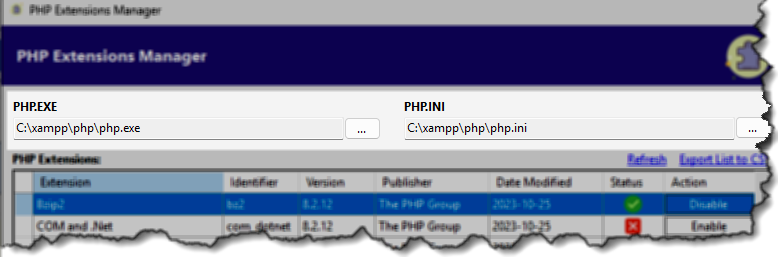
PHP.EXE Path
The tool automatically detects the PHP executable path from your Windows environment settings. You can manually browse and change it using the … button if needed.
PHP.INI Path
The tool automatically loads the active php.ini file in use. You may manually select another configuration file using the … button.
¶ Extensions List
All available PHP extensions are displayed in a structured table.
Extension
The display name of the extension.
Identifier
The internal module name used by PHP.
Version
The installed version of the extension.
Publisher
The organization or group responsible for the extension.
Date Modified
The last modification date of the extension file.
Status
Shows whether the extension is currently enabled or disabled.
Action
Provides a button to enable or disable the extension.
¶ Controls Above the List
Refresh
Reloads the extensions list and rechecks the current status from the php.ini configuration.
Export List to CSV
Exports the full extensions list and their status to a CSV file for reference or documentation.
¶ Searching Extensions
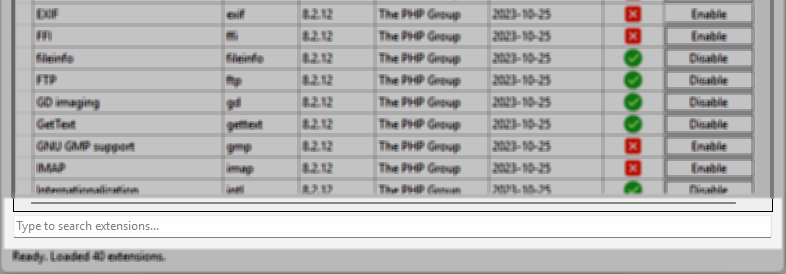
Search Box (below the list)
Type the name of an extension to filter the list dynamically. The list updates automatically as you type.
¶ Enabling or Disabling Extensions
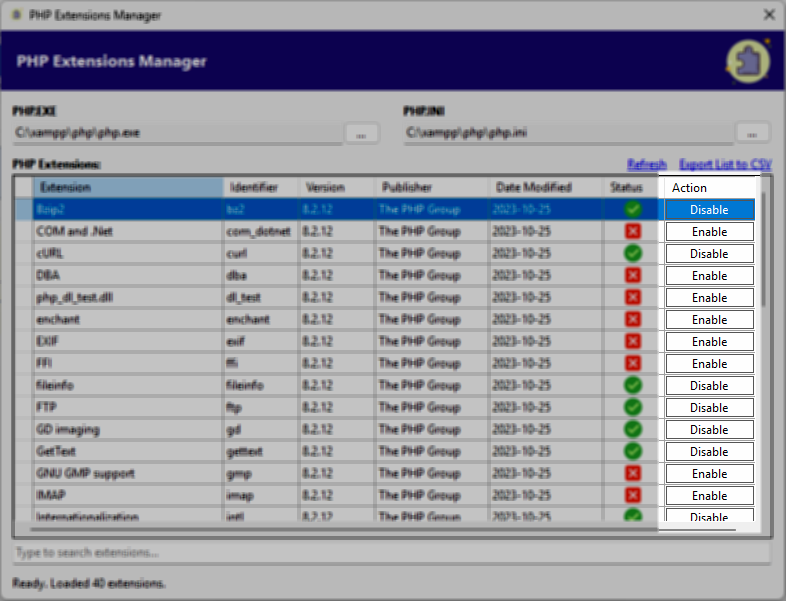
Click Enable to activate an extension.
Click Disable to deactivate it.
The tool safely updates the php.ini configuration, reducing the risk of manual configuration errors.