¶ Two-Factor Authentication
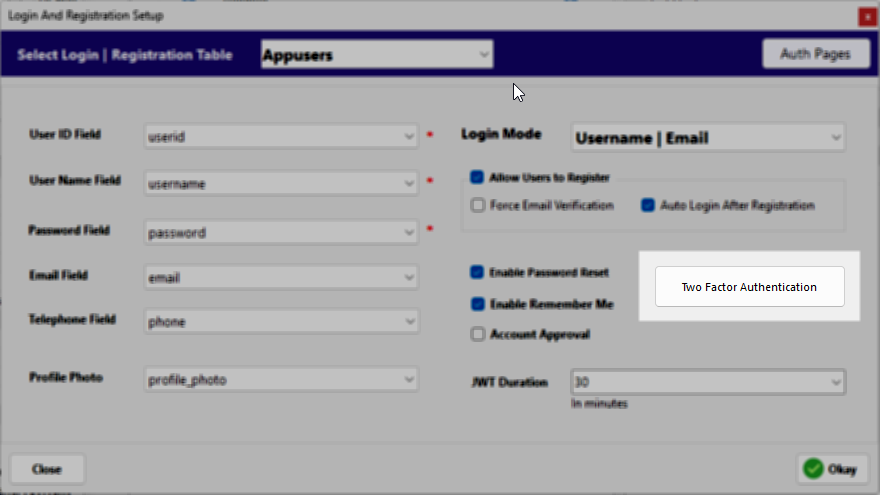
Two-Factor Authentication (2FA) has become an industry standard in modern web applications. It adds an extra layer of security by requiring a second form of identification—beyond just a password—to verify the user's identity. This significantly reduces the risk of unauthorized access due to compromised credentials.
RadSystems Studio makes the implementation of this advanced security feature extremely easy. This is a "low-code" feature, meaning while the Studio provides the structure, you will need a basic understanding of coding to finalize the connection to your specific service provider.
Because 2FA logic is executed on the server, the code language used in the editor will match your selected backend framework (e.g., PHP for Laravel).
¶ Enabling 2FA
-
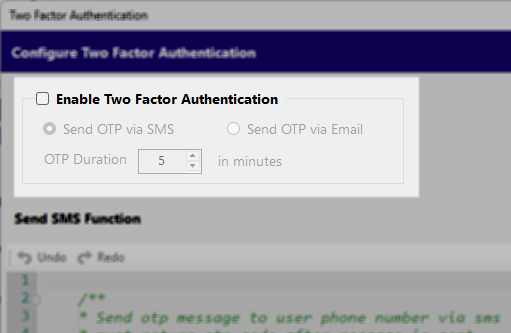
Enable Two Factor Authentication: Check this box to activate the 2FA layer for your application.
-
OTP Duration: Specify how long the One-Time Password (OTP) remains valid (in minutes) before it expires. The default is set to 5 minutes.
¶ 2FA via Email
-
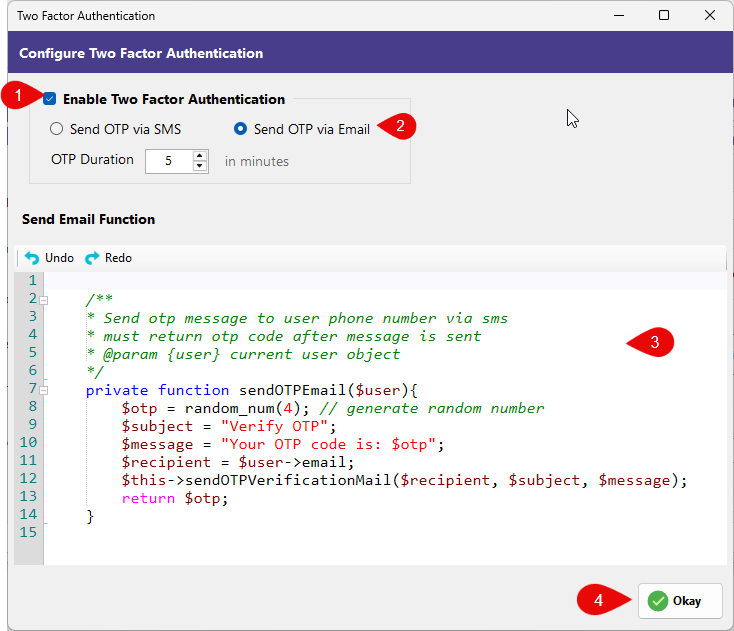
Send OTP via Email: Selecting this option opens a server-side code editor pre-populated with a
sendOTPEmail($user)function. -
Function Logic: This function automatically generates a random 4-digit number and identifies the recipient's email from the
$userobject. -
Customization: You must review and modify the
$messageand$subjectstrings to fit your brand. The core mailing logic is handled by thesendOTPVerificationMailmethod, which uses your project's global mail settings.
¶ 2FA via SMS
-
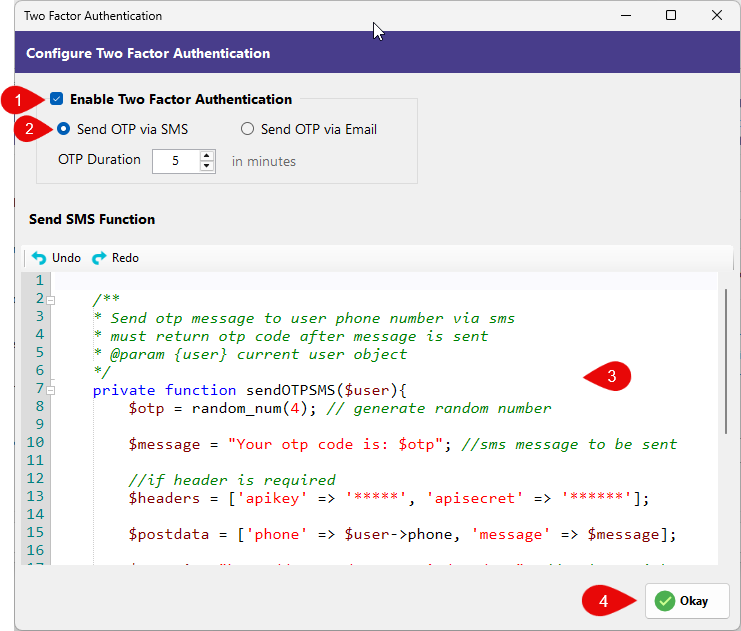
Send OTP via SMS: Selecting this option opens the
sendOTPSMS($user)function in the editor. -
Provider Integration: Unlike email, SMS requires a third-party gateway (such as Twilio or Nexmo).
-
Configuration: You must modify the
$headersarray to include your specific apikey and apisetcret. -
Data Payload: The
$postdataarray is configured to send the OTP to the user's phone number. You will need to adjust the API endpoint and request format to match the documentation of your chosen SMS provider.