¶ Windows Install
For a full installation on a clean version of Windows 10, follow the steps below:
- Install a WAMP solution (Windows, Apache, MySQL and PHP). WAMP is a set of services that allows you to display your website locally. If you are an expert developer, you can also install each application individually or, if you are a LARAVEL developer, you will feel more comfortable using LARAGON which fully automates the installation process including NODEJS and NPM (Node Package Manager).
Recomended: We recommend you use Laragon or Laragon 6.0.0(Free) as it contains most of the softwares required to run some of the Radsystems Studio projects types.
Other WAMP Stack Solutions you can use are: XAMPP, AMPPS or WAMPSERVER among others.
- If you have successfully installed the WAMP solution, you can continue installing NODEJS. Node.js is a cross-platform, open-source, single-threaded runtime environment for building fast and scalable server-side and red applications. It runs on the JavaScript V8 runtime and uses a non-blocking, event-based I / O architecture, making it efficient and suitable for real-time applications.
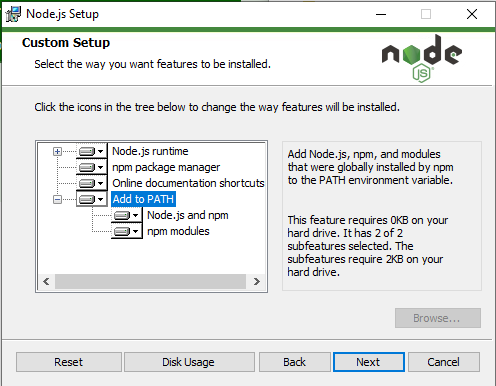
The Node.js installer for Windows, will install all the necessary tools to run a program written in Javascript including the Node.js package ecosystem (NPM). When installing Node.js, make sure the “add to path” feature is enabled.
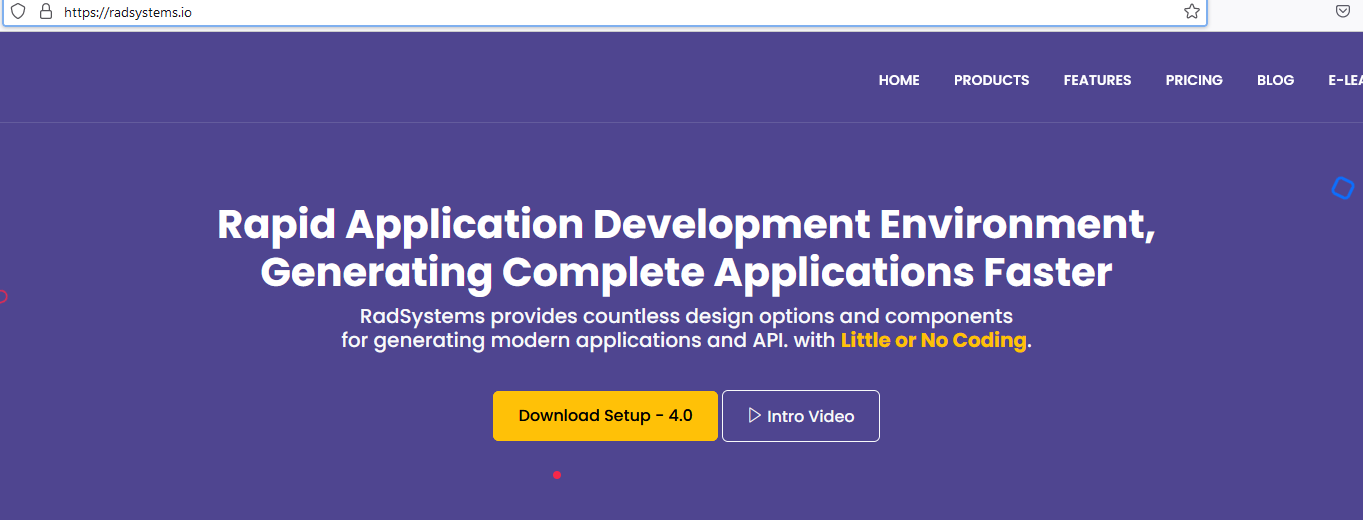
- We are now ready to install RadSystems Studio. Just go to the RadSystems website and download the app.
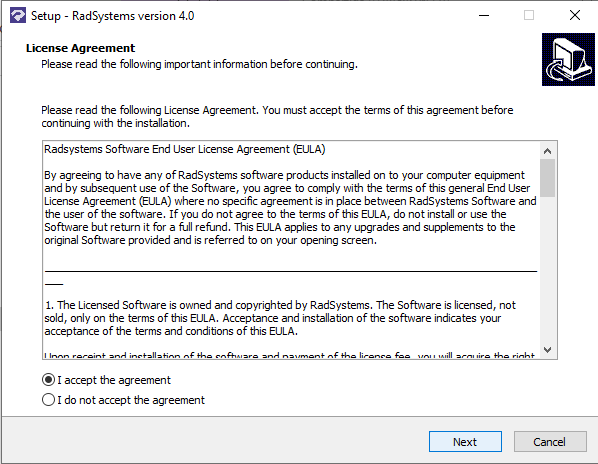
- Accept the license agreement and follow the installer steps.
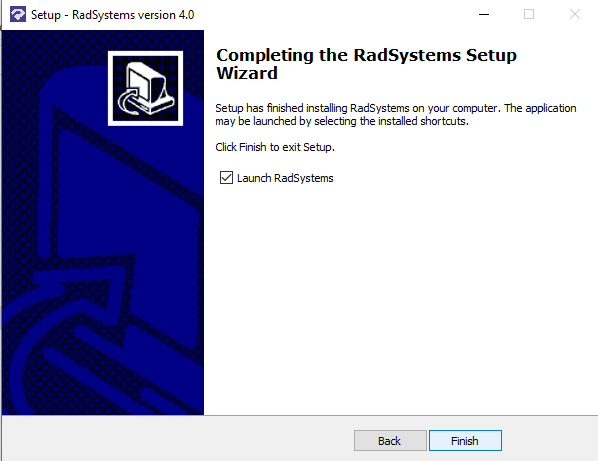
- You’re ready to launch RadSystems Studio.